Solutions

Resources

EN

Solutions

Processor connection

Link Ecart Pay with different payment gateways to manage all your transactions from a single location.

Link Ecart Pay with different payment gateways to manage all your transactions from a single location.

Last updateOctober 30, 2025

What is it?

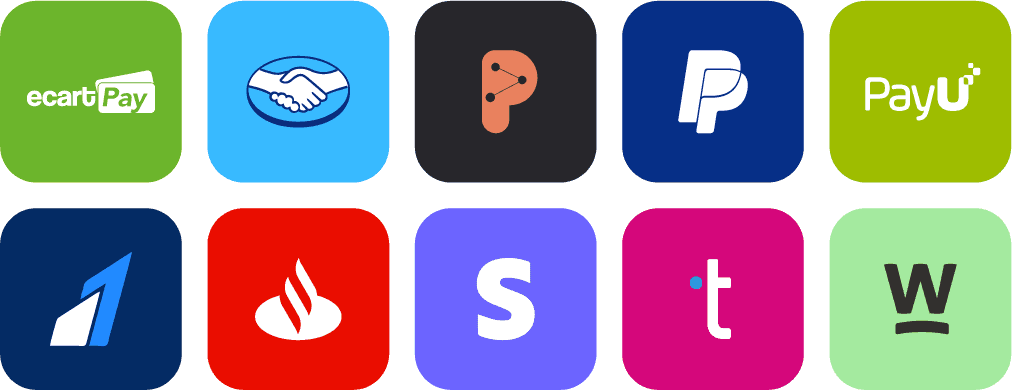
The processor connection allows you to integrate Ecart Pay with various payment gateways such as Mercado Pago, PayPal, Stripe, among others.

What is it for?

  • Manage all your transactions from a single place.

  • No matter which processor you use, you can control it directly from Ecart Pay.

How to configure the processor connection

  1. Log in to your Ecart Pay account.

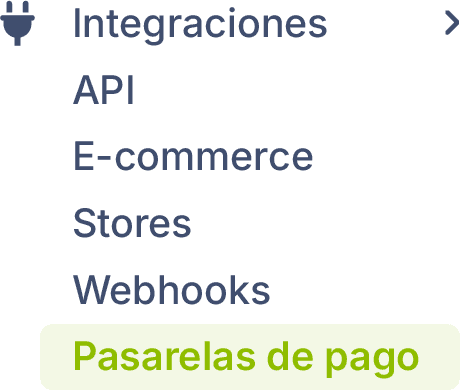
  2. Go to Integrations > Payment Gateways.

  3. Search and select the provider of your choice.

  4. Log in to your payment gateway and obtain your access keys:

    • Public Key.

    • Private Key.

  5. Return to Ecart Pay and enter your keys in the corresponding form.

  6. Customize the payment methods and select the currencies for each provider.

  7. Click on Save.

Now you can activate or deactivate the payment gateway according to your needs.

ℹ️ Step-by-step guides:
In Ecart Pay, you will find a guide to configure the keys for each gateway.
This guide is available within the settings section of each gateway, through an informational banner. Just click on “View this guide” to access the complete instructions.

What processors can I integrate?

Previous

Payment links

Next

Months without interest