Log in to your Ecart Pay account.
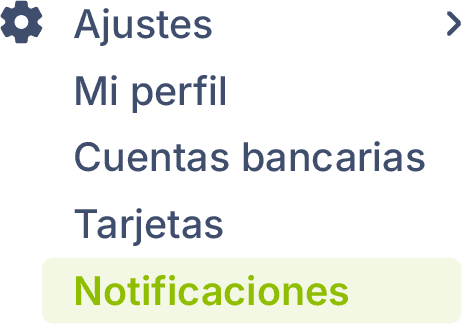
Go to Settings > Notifications.
📧 Email: receive notices and updates directly in your inbox.
🔔 Notifications on the dashboard: stay informed of movements, alerts, and news from your dashboard in Ecart Pay.
In this section, you will see the list of devices where you have logged in with your Ecart Pay account.
To keep notifications active on a device, leave it on the list.
If you do not wish to receive notifications on a specific device, click the ❌ icon to remove it.